
Practical notes from the takeoff to the worksite
Short, specific guides for estimators and small civil crews: getting cut and fill from a plan, working from DWG/DXF as well as PDF, driving the takeoff from an AI assistant, and running the job once it is won.
Earthworks takeoff
 SitesAI Estimate · New feature
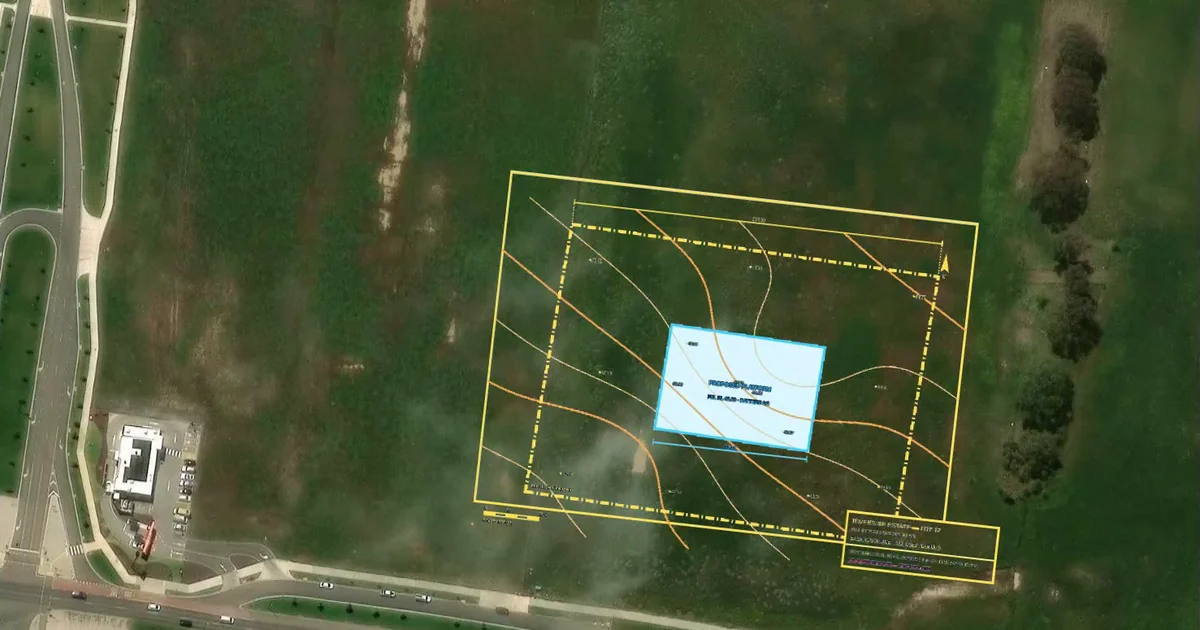
Map background: your plan on satellite, to scale
New in SitesAI Estimate: type the job address and satellite imagery lands under your PDF plan, to scale. Line it up, check the site, measure off the photo.
 SitesAI Estimate · AI connectors
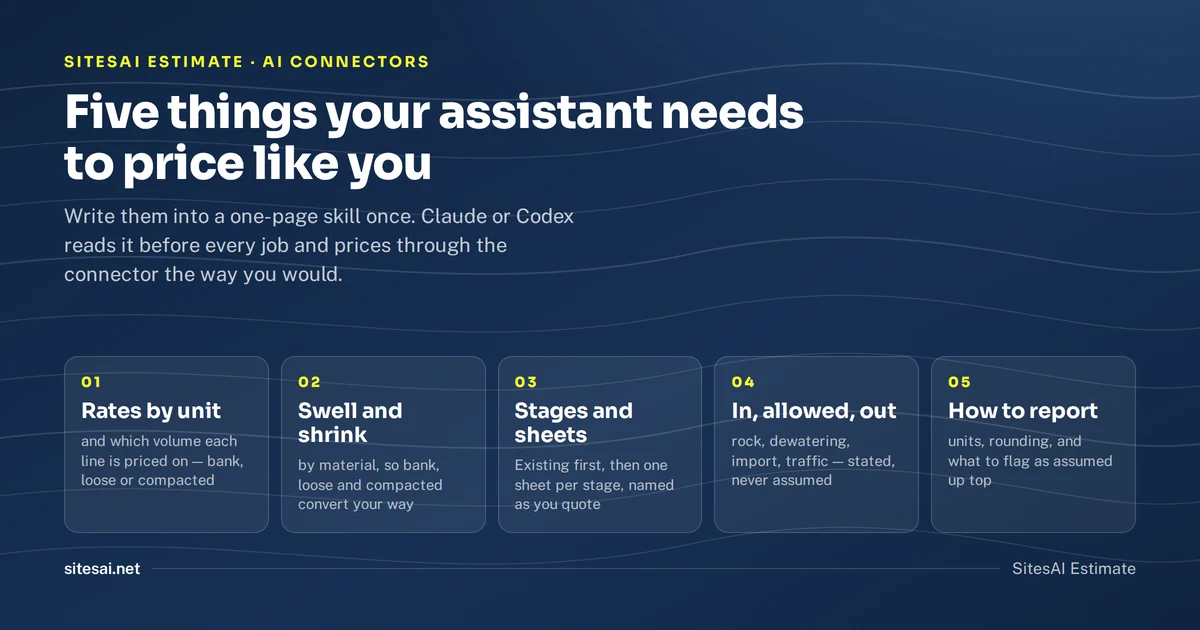
Teach Claude or Codex to price jobs your way
Put your rates, bulking factors and stage names in a skill once, so Claude or Codex prices every job your way through the SitesAI Estimate connector.
 SitesAI Estimate · How-to
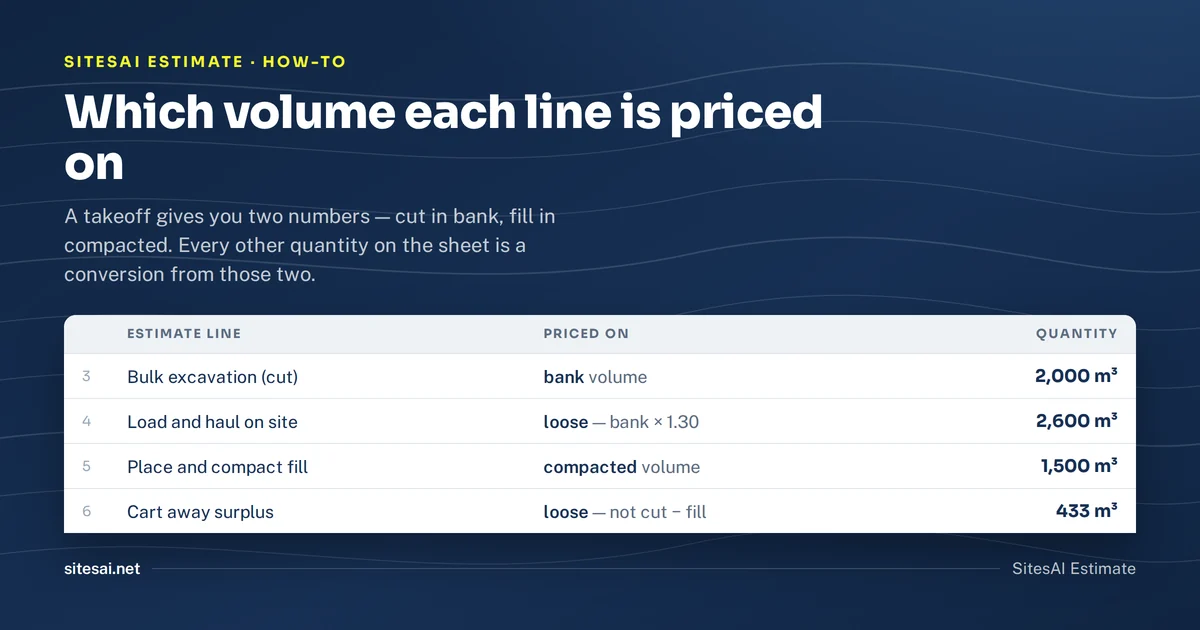
Earthworks estimate in Excel — strip, cut, fill, haul, compaction
The lines an excavation estimate in Excel needs, which volume each line is priced on, and how to keep the quantities tied to the takeoff.
 SitesAI Estimate · How-to
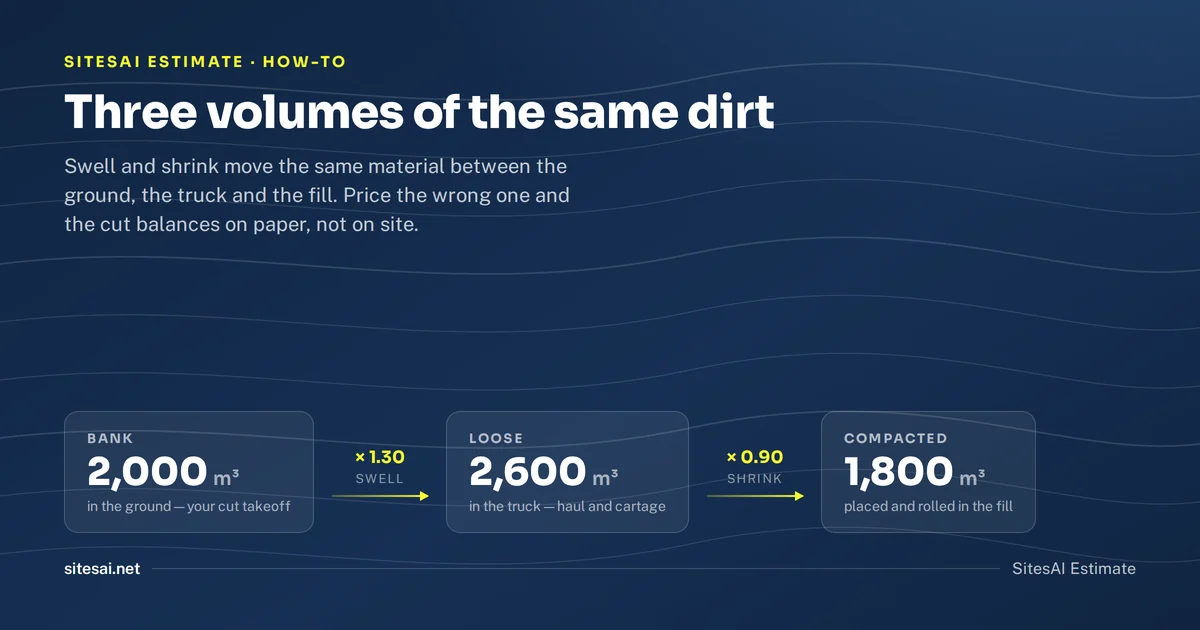
Soil bulking and shrinkage factors — a working table
Typical swell and shrink factors for clay, sand, gravel, topsoil and rock, and how to apply them to cut, fill and cartage.
 SitesAI Estimate · Feature
AI auto-takeoff: what it does and how you check it
How AI takeoff works in SitesAI Estimate: a first pass you review before it applies, what it is good and bad at, and why nobody should sell one-click.
 SitesAI Estimate · How-to
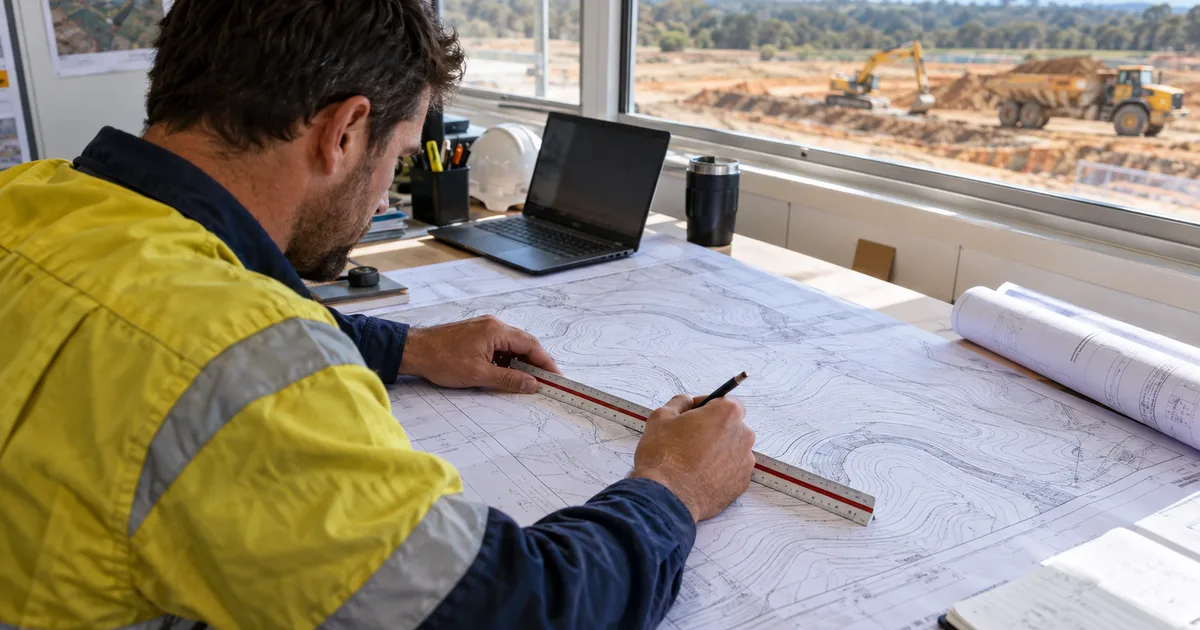
How to calibrate a PDF site plan so the quantities are right
Scale bars lie. How to calibrate a PDF or scanned plan, check it with a second dimension, and spot the reissue that was printed at the wrong size.
 SitesAI Estimate · How-to
Cut and fill from a PDF plan in about ten minutes
Step by step: get cut and fill volumes from a PDF site plan in SitesAI Estimate — scale, boundary, existing and design levels, a 3D check, then export.
 SitesAI Estimate · CAD files
DWG and DXF takeoff in the browser, not just PDF
Engineers send DWG and DXF, not PDF. SitesAI Estimate opens both in the browser with layers, units and levels, so you measure from the real drawing.
 SitesAI Estimate · AI connectors
Run your earthworks takeoff from Claude or ChatGPT
SitesAI Estimate has an MCP connector. Ask an AI assistant to open a plan, set the scale, draw the takeoff and price the estimate — while you watch and approve.
Comparisons
- SitesAI App · Buyer's guide
Docket apps for civil contractors in Australia (2026)
Five docket and timesheet apps for small civil crews in Australia: published prices, offline use and signatures, from each vendor's own page.
- SitesAI Estimate · Buyer's guide
Kubla Cubed alternatives for cut and fill takeoff (2026)
Four alternatives to Kubla Cubed for cut and fill takeoff, what each costs and who it suits, including the case for staying on Kubla.
 SitesAI App · Assignar
Assignar vs the SitesAI App for a small civil crew
A dated comparison for crews under about twenty people — dispatch-first operations software with quote-only pricing, against a free-to-ten-licence site app.
 SitesAI App · Dashpivot
Dashpivot vs the SitesAI App for small civil crews
Sitemate's Dashpivot turns site paperwork into digital forms. The SitesAI App models the job itself. A dated, sourced comparison of two very different answers.
 SitesAI Estimate · Buyer's guide
Earthworks takeoff software in Australia: an honest 2026 list
Five earthworks takeoff tools an Australian contractor actually shortlists, what each costs, and who each one suits — written by a vendor, and saying so.
 SitesAI App · Fieldwire
Fieldwire vs the SitesAI App for a civil subcontractor
Fieldwire organises plans, tasks and punch lists on a build. The SitesAI App runs crews, plant and claims for a civil sub. A dated, sourced comparison.
 SitesAI Estimate · Kubla Cubed
Kubla Cubed vs SitesAI Estimate: which suits your jobs
A dated, sourced comparison of two earthworks takeoff tools — a Windows desktop package with a genuinely free edition, and a browser tool with AI and export.
 SitesAI Estimate · MudShark
MudShark vs SitesAI Estimate for earthworks takeoff
Two earthworks takeoff tools compared on price, plans, trenches and 3D — one Australian desktop incumbent at $230 a month, one browser tool at US$39.
 SitesAI App · Record TIME
Record TIME vs the SitesAI App for a civil crew
Two Australian apps for dockets, timesheets and plant. One sells modules you add up, one sells licences. A dated, sourced comparison for small crews.
 SitesAI App · SafetyCulture
SafetyCulture vs the SitesAI App for site compliance
Both are free for ten users and mean different things by compliance. Inspections at global scale against a register of tickets, sites and expiry dates.
 SitesAI App · ServiceM8
ServiceM8 vs the SitesAI App for an earthmoving business
ServiceM8 quotes, schedules and invoices, and charges by jobs not users. The SitesAI App runs the site and never invoices. Which one suits an earthmoving crew.
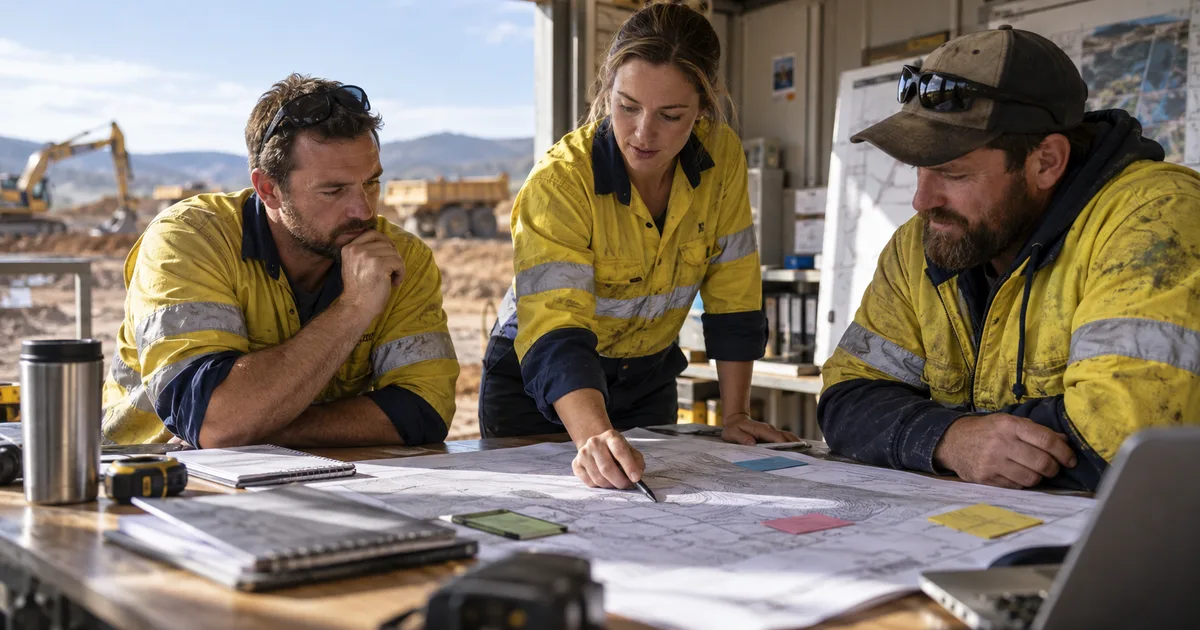 SitesAI App · Buyer's guide
Work management apps for small civil crews: six compared
Six apps an Australian civil crew actually shortlists, what each publishes for pricing, and who each one suits. Written by a vendor, and saying so up front.
Running the job
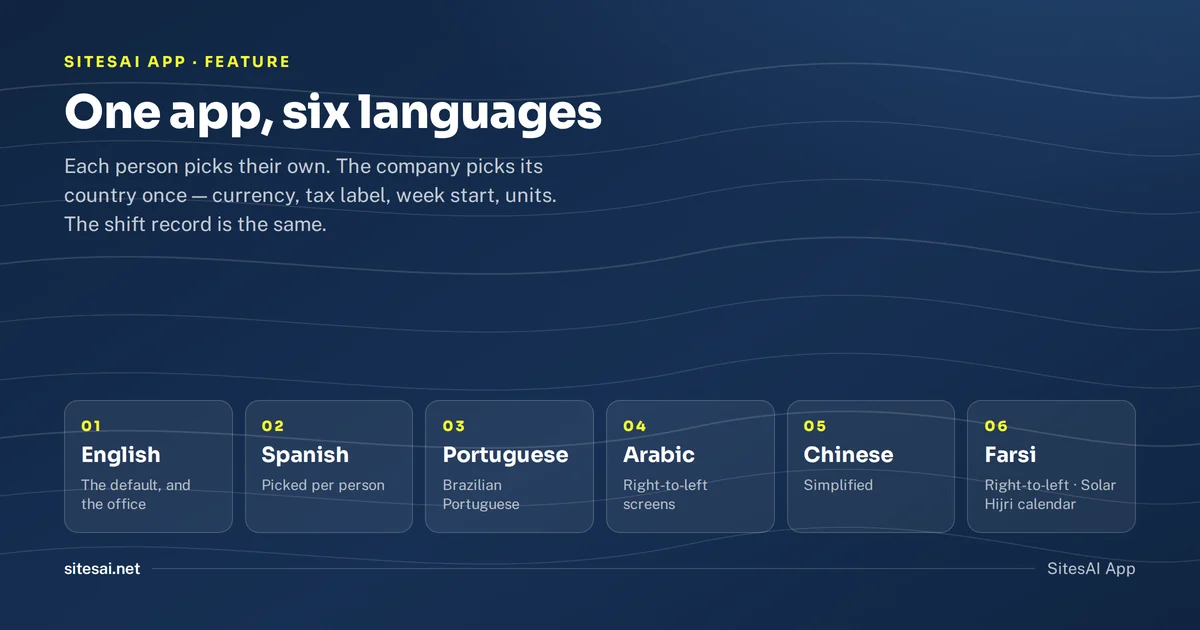 SitesAI App · Feature
The SitesAI App now works in six languages
English, Spanish, Portuguese, Arabic, Chinese and Farsi, picked per person. What is translated, what is not yet, and how a wrong line gets fixed.
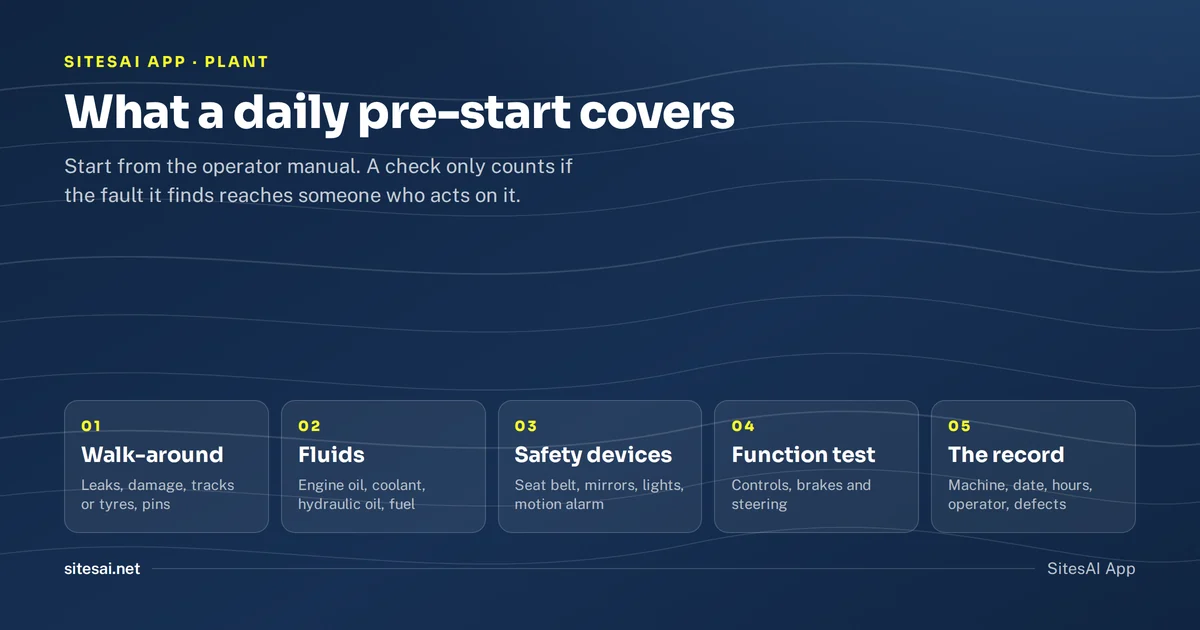 SitesAI App · Plant
Daily pre-start checklists for plant: what to check and record
What a daily pre-start on an excavator, loader or truck should cover, what the regulators say about inspecting plant, and how to record it.
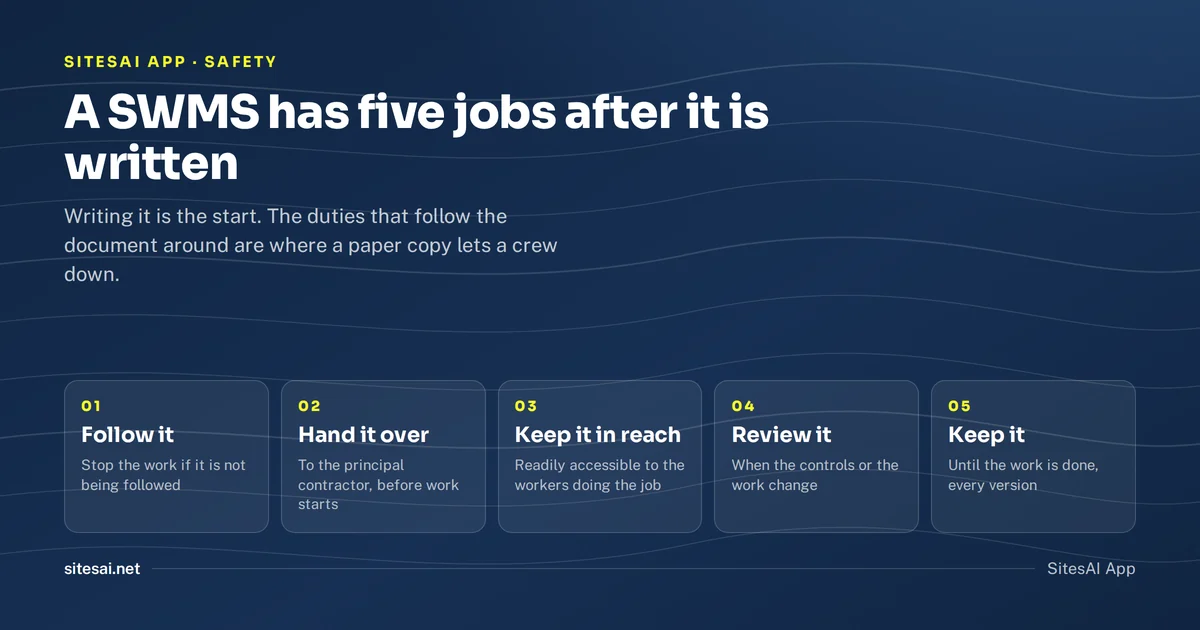 SitesAI App · Safety
How to run SWMS digitally for a construction crew
When a SWMS is required, what it must contain, and how to keep the current version in the crew's hands on a phone instead of in a folder in the ute.
 SitesAI App · Feature
Point your AI at the job: 142 tools and a REST API
The SitesAI App hands its whole surface to an AI assistant. What the connector does, how scopes and audit keep it safe, and why sending stays human.
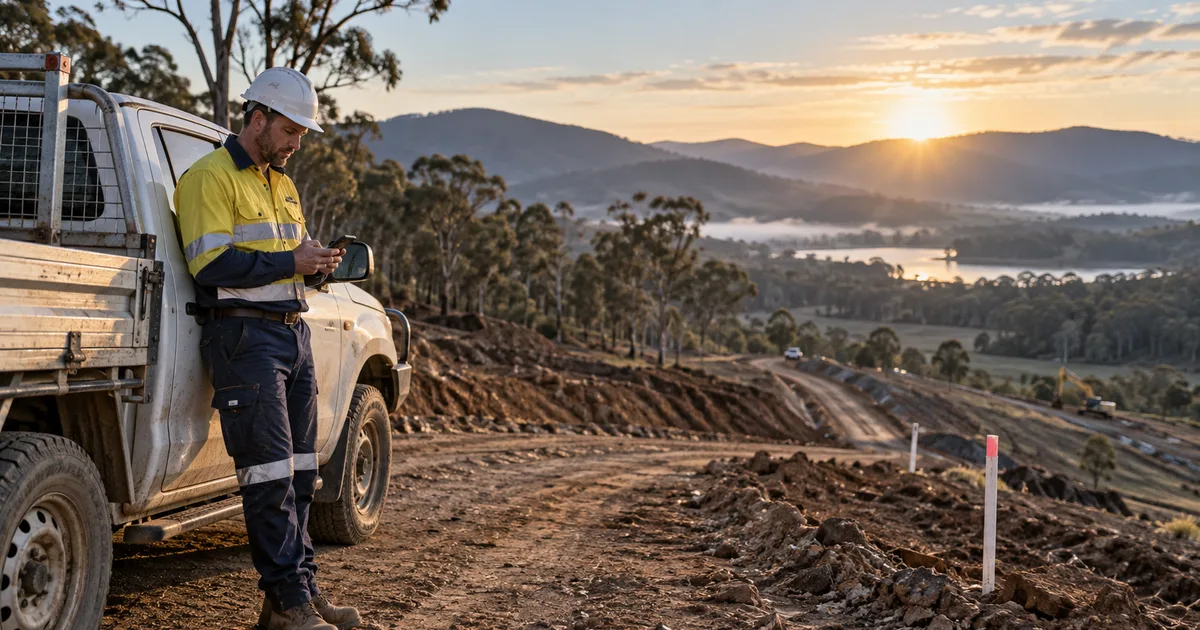 SitesAI App · Feature
Clock-in that works where there is no signal
Most site apps fail in a black spot. How offline clock-in works, why the server referees every tap, and what geofence clocking does not track.
 SitesAI App · Feature
Give your client a login: the customer portal
A portal login lets a client see their jobs, accept quotes, sign dockets and do the prestart on hired plant. And nothing else at all.
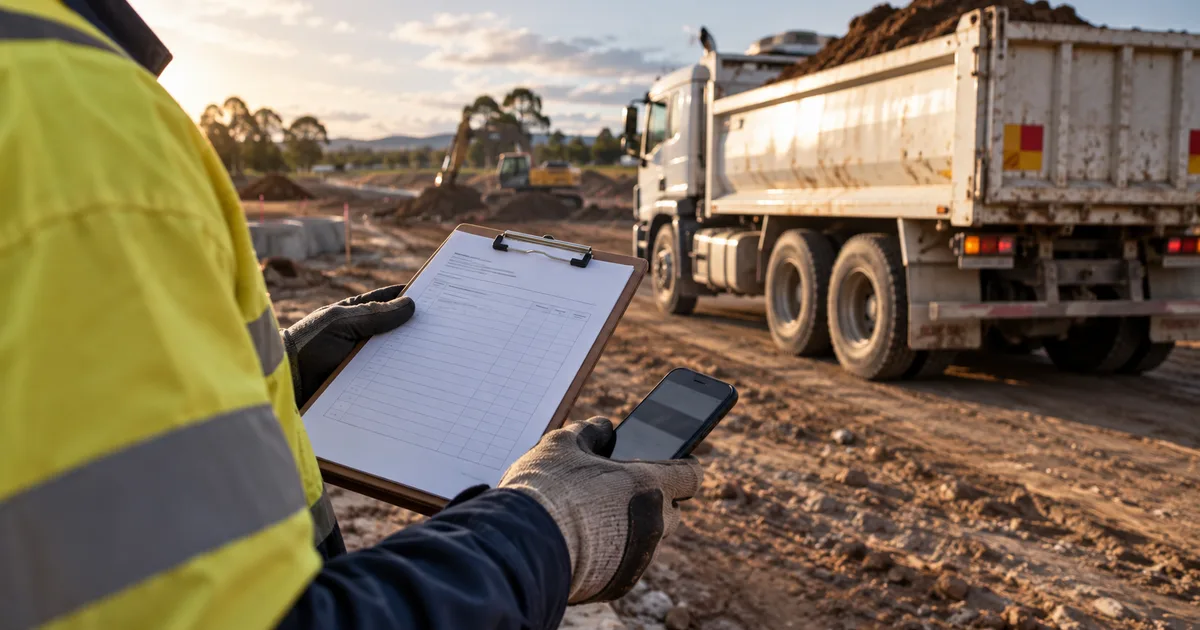 SitesAI App · Feature
Plant hire dockets: from a paper book to a signed PDF
Why paper dockets cost you money, and how a digital docket works — one per truck, signed on site by the customer with a QR code, out as a branded A4 PDF.
 SitesAI App · Feature
Guided Flows: the SOP your crew actually follows
A procedure nobody reads is not a procedure. How guided Flows walk a worker through the job, and why each step writes a real record.
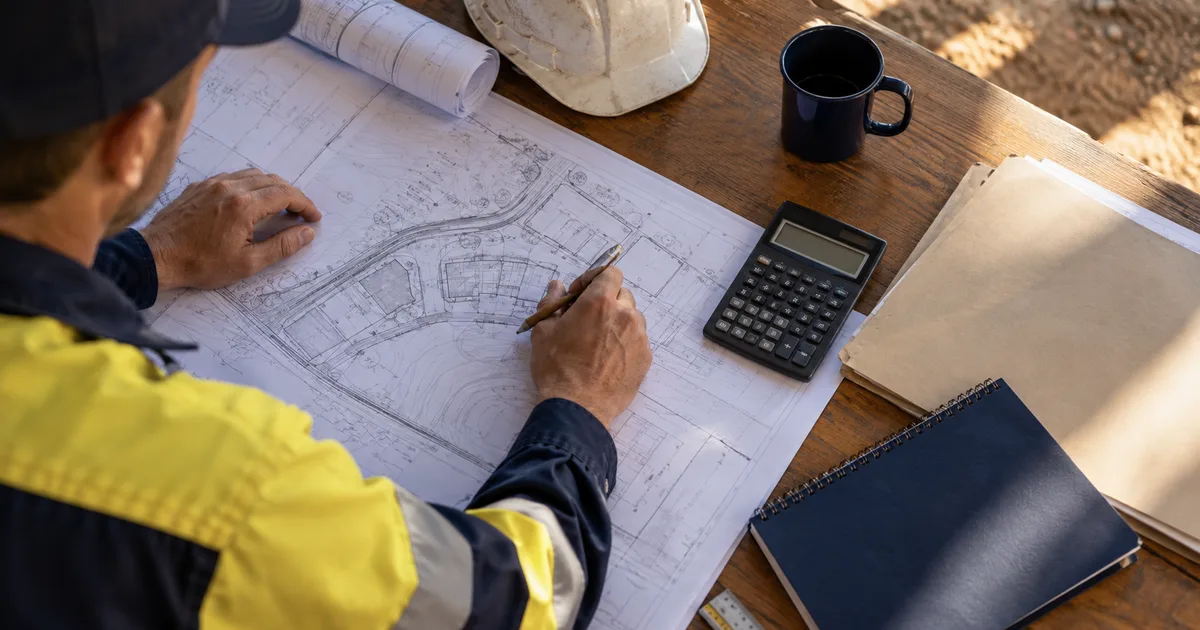 SitesAI App · Feature
Quote, scope, variation, claim — all one record
How the accepted quote becomes the agreed scope, variations get approved by a link and a typed name, and a progress claim freezes exactly what it reported.
 SitesAI App · Field operations
Running a small civil crew from one app
How a 3–20 person earthworks contractor runs leads, jobs, shifts, dockets and compliance in the SitesAI App, with an AI assistant on the same records.
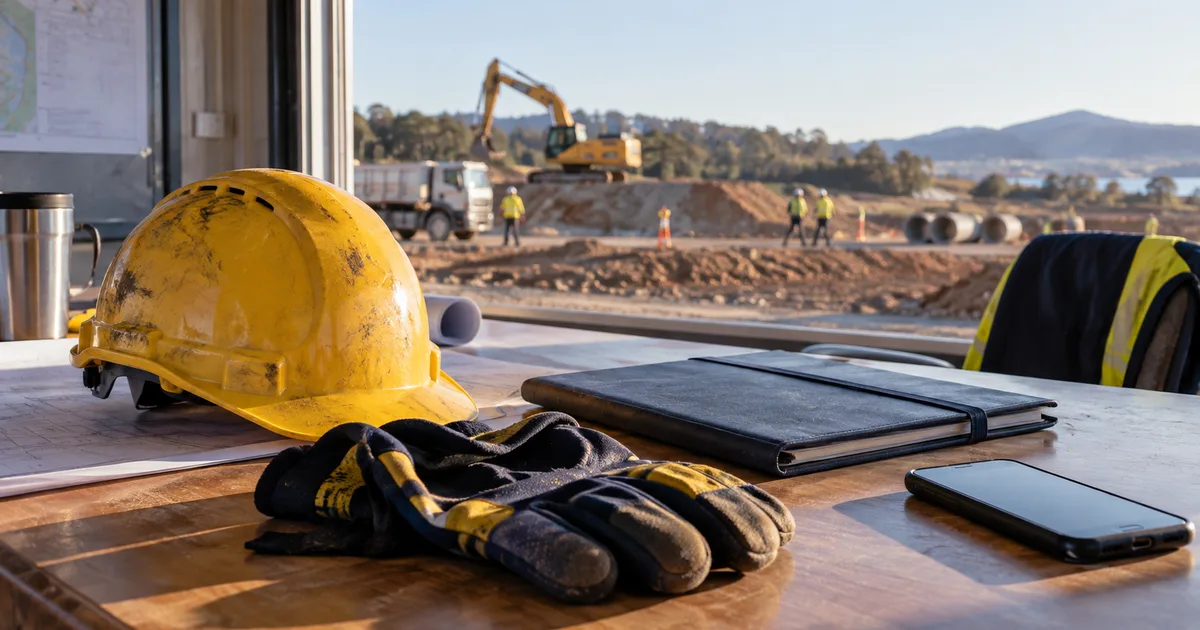 SitesAI App · Feature
Site compliance: a document wallet, not a folder of PDFs
Tickets and insurances belong to whoever holds them. How a wallet, per-site requirements and one compliance report replace the folder nobody trusts.
 SitesAI App · How-to
The site diary: what to record daily, and why it pays
What belongs in a civil site diary, why weather and standing time are worth money later, and how to keep one on a phone without it becoming a second job.