
Guides Running the job Feature
Plant hire dockets: from a paper book to a signed PDF
Why paper dockets cost you money, and how a digital docket works — one per truck, signed on site by the customer with a QR code, out as a branded A4 PDF.
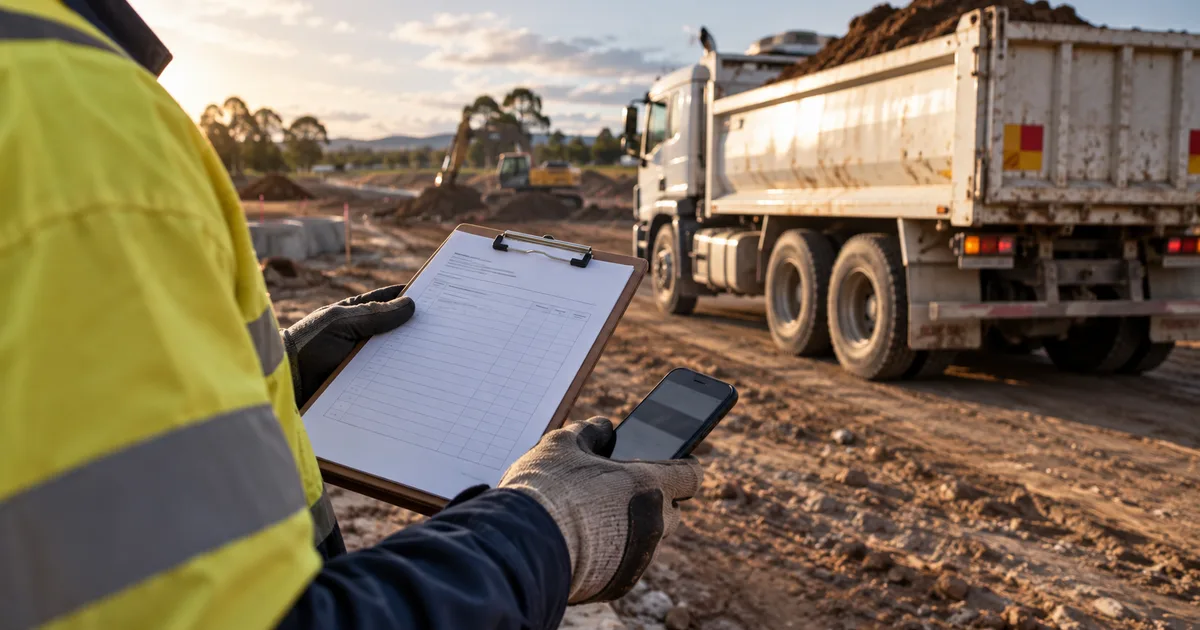
A docket book costs about eight dollars. The dockets in it cost considerably more than that, because the expensive part is not the paper — it is the fortnight between the work and the invoice, and the conversation that starts with "we never signed for that".
Where do paper dockets actually cost money?
The unsigned load. The operator was in a hurry, the site foreman had gone, the docket came back blank. That load is now a negotiation.
The glovebox delay. Dockets arrive with the truck at the end of the week, or the end of the roster, or whenever someone remembers. Every day between the work and the invoice is a day of your money funding someone else's job.
The illegible copy. Carbon paper and a wet clipboard at 6am. Nobody can read the hours, so nobody argues with the version that suits them.
The lost one. A docket that cannot be produced was, commercially speaking, never a job.
Each of these is small. Across a year of plant hire they are the difference between a good month and a flat one.
How does a digital docket work?
One docket per truck. Not one per job, per day, per site — per truck. When you have four trucks carting on one site, four dockets is the only version that survives a query, because each one is the record of a specific machine doing specific hours.
The customer signs on site. The operator opens the docket on their phone and shows a QR code. The customer scans it, the docket opens on their phone, and they sign there. Nobody hands over a device, and the person who signed did so on their own screen — which is exactly what you want when it is queried later.
The lines freeze at signature. The moment it is signed, the docket's lines are snapshotted. What was agreed is what stays on the record. Later edits do not rewrite history.
Out comes a branded A4 PDF. Ready to attach to an invoice, email to the head contractor, or file. It looks like a document from a business rather than a photo of a clipboard.
What it changes on Monday morning
The first thing most people notice is that invoicing gets boring. The dockets are already there, already signed, already legible, and already attached to the right job — so the fortnightly claim stops being an archaeology project.
The second thing is that disputes get short. "Which truck, which day?" has an answer with a signature and a timestamp on it, and the conversation ends in a minute instead of a week.
It joins up with the rest of the job
A docket on its own is a better piece of paper. A docket attached to the job is a different thing entirely:
- Worktime records who clocked on, with start and finish photos, geolocation, and a supervisor countersign, so labour hours and plant hours tell the same story.
- The job carries the accepted quote, the scope of work and any variations, so what you are claiming is measured against what was agreed.
- Progress claims roll the agreed scope and approved variations up into a report, minus what you have claimed already.
- The diary takes photos, notes and voice notes against any record, which is where the context lives when somebody asks about that Tuesday six weeks ago.
To be clear about the boundary: the SitesAI App produces claims and dockets as reports. It does not invoice, take payments or keep an accounting ledger. That stays where it is.
Getting off the docket book
Start with one crew and one truck for a fortnight. Run the book alongside it if you like — you will stop on your own once the first query is settled from a phone at the kerb.
The app is free up to ten licences, where a licence is one active team member or one active site, so a small crew usually starts at no cost. Sign in with Google, Microsoft or Apple at app.sitesai.net, or read Running a small civil crew from one app for the wider picture.
Questions people ask
What if there is no signal on site?
Take the signature when you have coverage — at the gate, in the ute, back at the yard. The docket is a record of the work, not a live feed, and it is not lost if you are in a hole for an hour.
Can the customer sign on their own phone?
Yes. They scan the QR code on the operator's phone and sign on their own device, which is also how you avoid handing your phone to a stranger in the rain.
Does this invoice the customer?
No. The SitesAI App has no invoicing and no accounting ledger. It produces the signed docket and the PDF; you invoice from whatever you already use.
Is one docket per truck really necessary?
If you are hiring out multiple trucks on one job, yes. One docket covering four trucks is the document that gets disputed. One per truck is the document that gets paid.
Run the job from one app — free up to 10 licences.
Leads, jobs, shifts, dockets, inductions and SOP flows for a small civil crew, on web, iOS and Android. What the SitesAI App does.