
Guides Running the job Feature
Clock-in that works where there is no signal
Most site apps fail in a black spot. How offline clock-in works, why the server referees every tap, and what geofence clocking does not track.
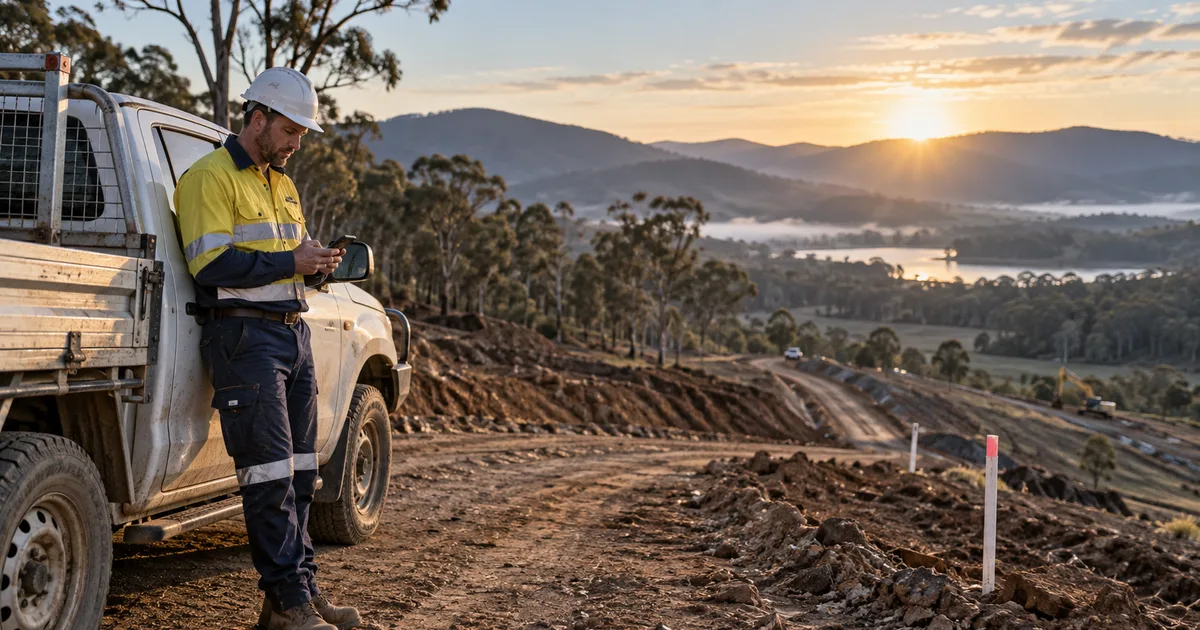
Ask a civil crew why they went back to paper timesheets and the answer is usually the same: the app did not work at the bottom of the cut. Basements, tunnels, cuttings and most of regional Australia are black spots, and an app that needs a connection to record a start time is an app that records nothing on the day it matters.
This is how clock-in works in the SitesAI App when there is no signal, and what it does with the tap afterwards.
What happens when you clock in with no signal?
With no connection, the tap is stored on the device. When the phone comes back into coverage, the queue is replayed to the server, and this is the part that matters: the server referees every event. The phone never writes a record directly.
That distinction sounds academic until you think about what the alternative allows. If the phone writes the record, then the phone decides what time it was, whether the geofence was satisfied, and whether the shift overlaps another one. A device someone controls is deciding what they get paid. In this app the phone only ever says "this person tapped start at this instant"; everything else is decided centrally, under the same rules a live tap goes through.
Practically, that gives you four things:
Retransmits cannot double-count. Every queued event carries an identifier, with a uniqueness constraint behind it. If the phone sends the same tap twice — flaky coverage, a tab race, an app restart — the second one is absorbed silently.
No airplane-mode arbitrage. Queued events are stamped as real instants and converted to the site's wall clock using the same limits as a live tap, including the clamp that refuses a time in the future. Turning the radio off does not buy anyone an earlier start.
Nothing is silently thrown away. This is the design decision we are most sure about. When a replayed event breaks a rule — outside the geofence, outside the site's hours, overlapping another shift — the app does not discard it. It records it and flags it: offline, offline_conflict, outside_hours. A collision is written as a zero-length closed row, as evidence, so it can never open a second shift by accident. You get the truth plus a marker, and a human decides.
The only events actually rejected are the ones that cannot mean anything: a membership that was revoked, a site that no longer exists, a malformed record, or a tap more than thirty days old. Those stay on the phone with a reason attached.
A shared phone cannot post someone else's shift. Events carry the member and company they were made under. The client filters to whoever is signed in, and the server checks it again.
What does the crew see offline?
There is a dedicated offline screen that works without the network. It holds the clock buttons plus a read-only snapshot of your tasks, your shifts and the site's details — enough to know where you are supposed to be and what you are supposed to be doing, without pretending you can edit it.
The app also shows an offline banner, so nobody has to guess whether the tap registered. Then it flushes automatically the moment the connection returns.
Geofence auto clock-in, and its limits
A site can be set to one of three modes: off, prompt, or auto.
On prompt, arriving at the site sends a notification asking whether to clock in. On auto, arriving clocks you in through the same referee that handles every other event. Leaving the site marks a pending exit, which is finalised after a ten-minute dwell — and it is finalised at the exit timestamp, not at the time the cron job noticed. Driving out to get a load and coming back does not end anyone's day.
Two things this deliberately does not do:
It is not continuous tracking. The app sends a site entry event and a site exit event. Not a location trail, not a breadcrumb every five minutes, not a map of where the ute went at lunch. There is nothing in the record to misuse, because the data was never collected.
It does not run without consent. Geofence clocking requires the member's recorded consent, stored append-only so the history of what was agreed survives. Consent is revoked by signing out, by deactivating the connection, or by deleting the account — and a revoked session answers with an error that makes the device disarm itself. Employer location tracking is a live industrial-relations issue in Australia, and the honest way to ship it is to make it opt-in, narrow and revocable.
Tags, when clocking in should take one second
Sites and machines can carry QR or NFC tags. Tapping the site tag clocks you in there. Tapping a machine's tag opens that unit's prestart checklist. For a crew who are already holding a phone with gloves on, a tap beats a menu.
What does the clock-in record hold?
The evidence a head contractor actually argues about:
- Start and finish photos.
- Geolocation on the tap, with week numbering.
- A two-stage signature: the worker signs, then the supervisor countersigns.
- Supervisor approval with comments.
- A timesheet report and CSV export, in summary or detail.
Which is the point. A timesheet is not a record of hours, it is a record you can defend six weeks later when somebody queries a Tuesday.
See it on your own site
The SitesAI App is free up to ten licences, where a licence is one active team member or one active site — so a small crew usually starts at no cost. Sign in with Google, Microsoft or Apple at app.sitesai.net, or read Running a small civil crew from one app for how the rest of the job fits together.
Questions people ask
What happens if two taps get queued and then both send?
Nothing doubles up. Each event carries a client event id with a database uniqueness rule behind it, so a retransmit is absorbed rather than creating a second shift.
Can someone put their phone in airplane mode and clock in for yesterday?
No. Queued taps are stamped as real instants and converted to site time with the same limits applied to a live tap, including the clamp that stops a future time being recorded. An event older than 30 days is rejected outright.
Does geofence tracking follow my crew around all day?
No. The app sends a site entry event and a site exit event and nothing in between. There is no continuous location trail, and it only runs for members who have given recorded consent.
What if the crew shares one phone?
Events carry the member and the company they were made under. The app filters to the signed-in person and the server checks it again, so a shared phone cannot post another worker's shift.
Run the job from one app — free up to 10 licences.
Leads, jobs, shifts, dockets, inductions and SOP flows for a small civil crew, on web, iOS and Android. What the SitesAI App does.